

Recover Password
Remember your password? Login
Your balance pays for services in one click. Two new options keep it filled without you having to remember: Auto Reload refills it when it runs low, and Repeat adds the same deposit on a schedule. Both run on a card and can be cancelled any time. With one of them in place, you can also subscribe to a seller's service and have each order placed and paid from your balance on a schedule.
On this page: Set up Auto Reload · Set up a Repeat deposit · Subscribe to a seller's service · See, change or cancel
Start Auto Reload or a Repeat deposit and get bonus credit on your first three deposits: 5% on the first, 7% on the second and 10% on the third. The bonus lands in your balance with each deposit.
Start yours by October 8 to qualify.
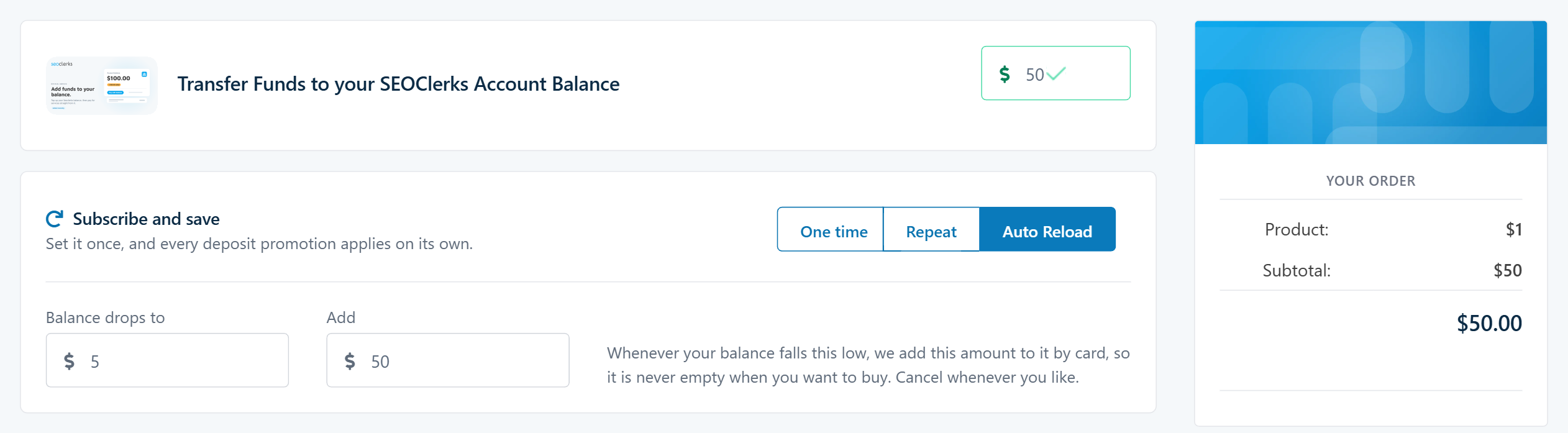
Set it up nowOn the Transfer Funds to your Account Balance page you now pick how the deposit should work:

Best if you buy often and never want to find your balance empty at checkout.
Go to Add Funds to Balance (Buyer menu). If the Subscribe and save box isn't there, your account needs verifying before it can pay by card.
Balance drops to is when a top-up happens. Add is how much each top-up adds, and it has to be at least $5 more than the Balance drops to amount. Today's deposit starts at that amount, and it has to lift your balance above the Balance drops to amount.
Enter your card in the card form rather than choosing a saved card - the subscription keeps its own copy of the card, so later top-ups can be charged without you. Other payment methods can't repeat, so they won't work for Auto Reload.
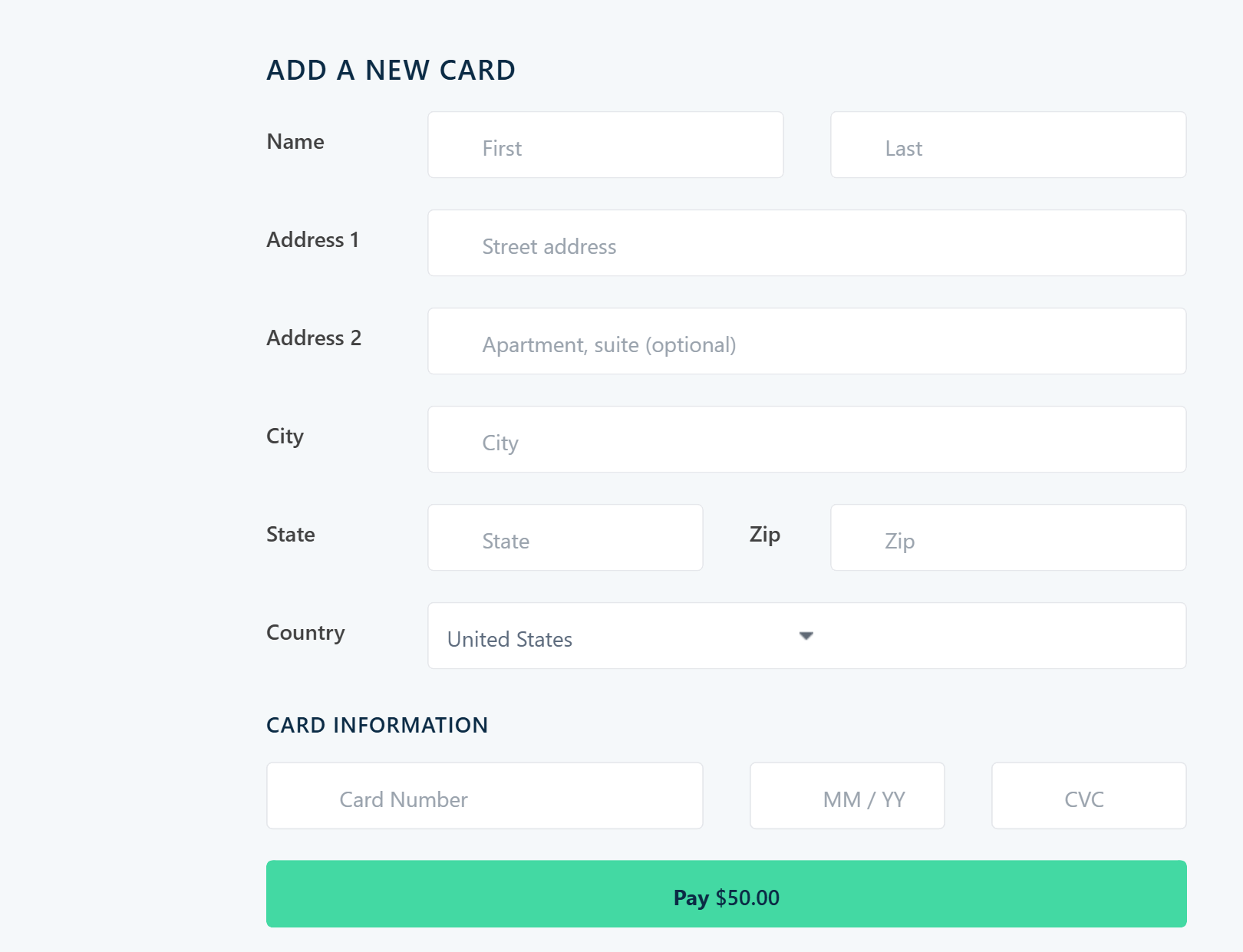
We check your balance every hour. When it has dropped to your amount, we charge your card the Add amount, add it to your balance and email you a receipt. One top-up per drop.
Best if you spend about the same every month and like a fixed schedule.
Go to Add Funds to Balance and type the amount you want each time (at least $5).
Pick every week, every two weeks or every month, then pay with your card in the card form.
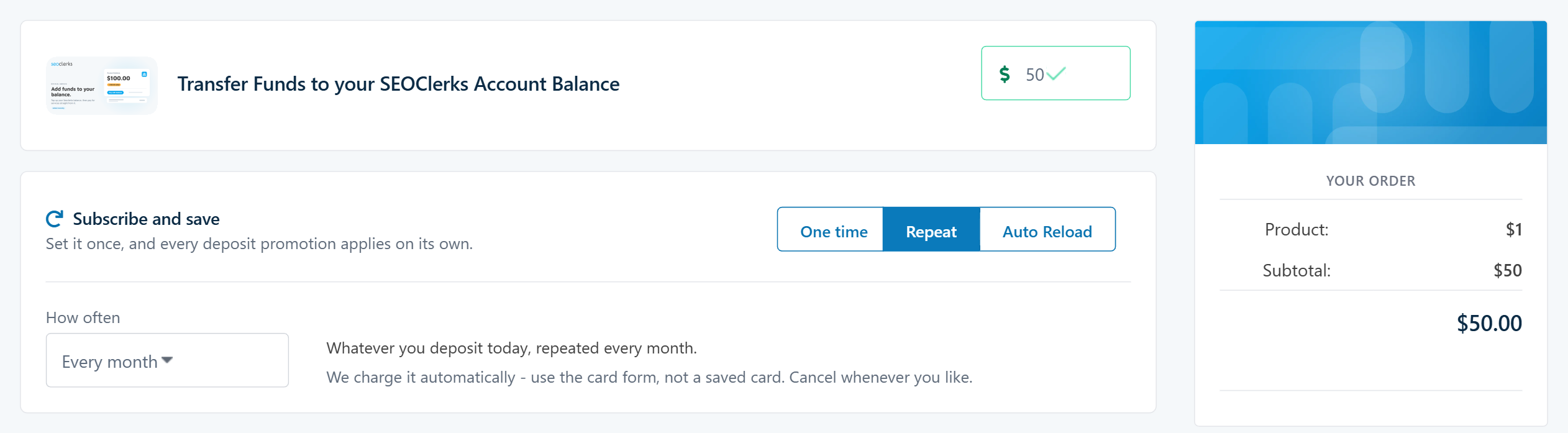
Each time it comes round we charge your card, add the deposit to your balance and email you a receipt.
Need the same service again and again? Subscribe to it and each order is placed for you on schedule, paid from your balance.
Services that can be subscribed to show a Subscribe button on their page, and a Subscribe option at checkout. Pick the tier and extras you want first: the price you see is locked for as long as you stay subscribed.
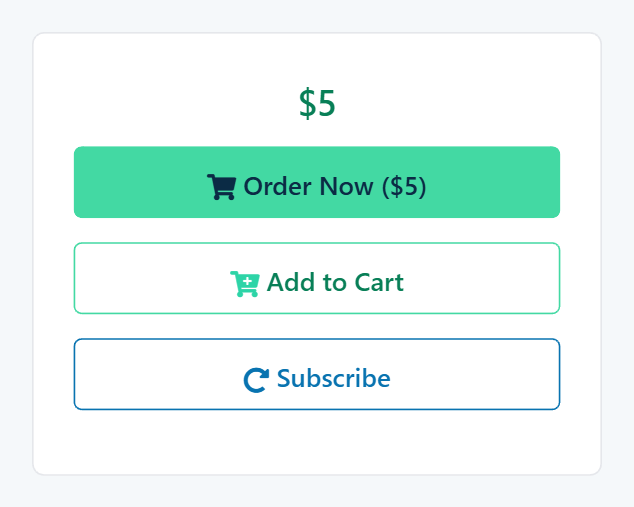
Orders are paid from your balance, so it needs Auto Reload or a Repeat deposit to keep it funded. If you don't have one, the Subscribe window lets you verify your account and set one up without leaving the page.
Pick every week, every two weeks or every month, and when the first order goes in. Then either write the requirements once, so every order arrives ready to start, or choose to send them yourself with each order.
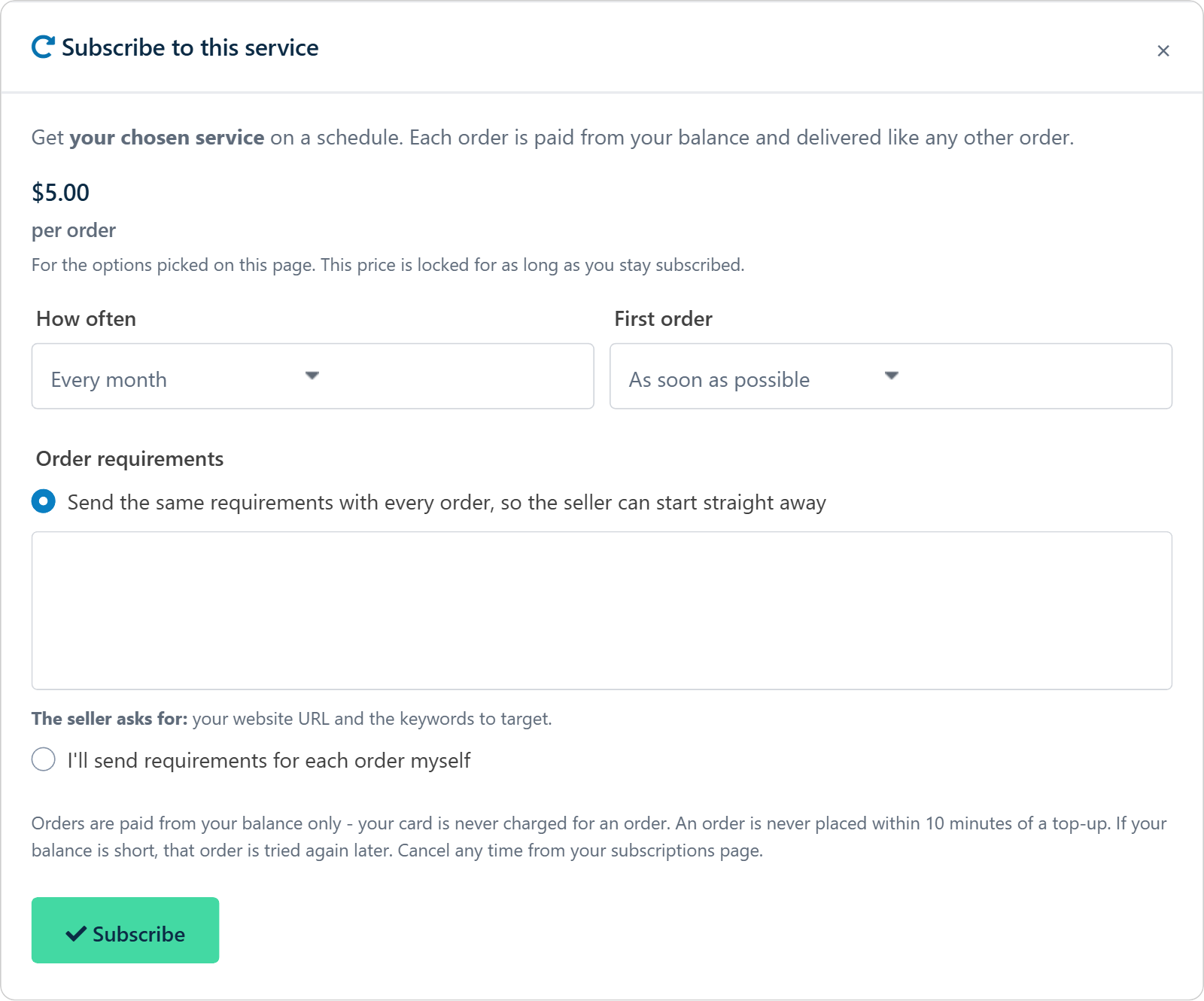
Each order is paid from your balance only - your card is never charged for an order, only for your top-ups. An order is never placed within 10 minutes of a top-up. If your balance is short, that order is tried again a few days later, and after several tries the subscription is suspended.
Everything you have set to repeat is on Subscriptions (Buyer menu, under Shopping): what it is, when a Repeat deposit or service order next runs, how it is paid and its status.

A subscription to a Seoclerks feature that you pay from your balance can carry a backup card, added from the Subscriptions page. It is charged only when a renewal finds your balance short, and only for that subscription. Subscriptions to a seller's service don't take a backup card: they are paid from your balance only, and Auto Reload or a Repeat deposit keeps it funded.
Your card is kept by our card processor in its secure vault, never on our servers. We only ever see the last four digits.
Not for repeating deposits yet - only a card entered in the card form can be charged again without you. You can still make One time deposits with any payment method.
Auto Reload doesn't top up a negative balance. Contact support to settle it, and Auto Reload carries on from there.
You can have one subscription per item, so one Auto Reload or Repeat deposit at a time.
Set it up now Manage my subscriptions
Last updated September 24, 2026.
